WhatsApp catalog: set it up, share it and sell from it
A WhatsApp catalog is a list of your products or services inside the WhatsApp Business app. It shows on your business profile, and customers can browse it without leaving the chat.
Each item needs a unique title, at least one image and its country of origin. Price, description, link and product code are optional.
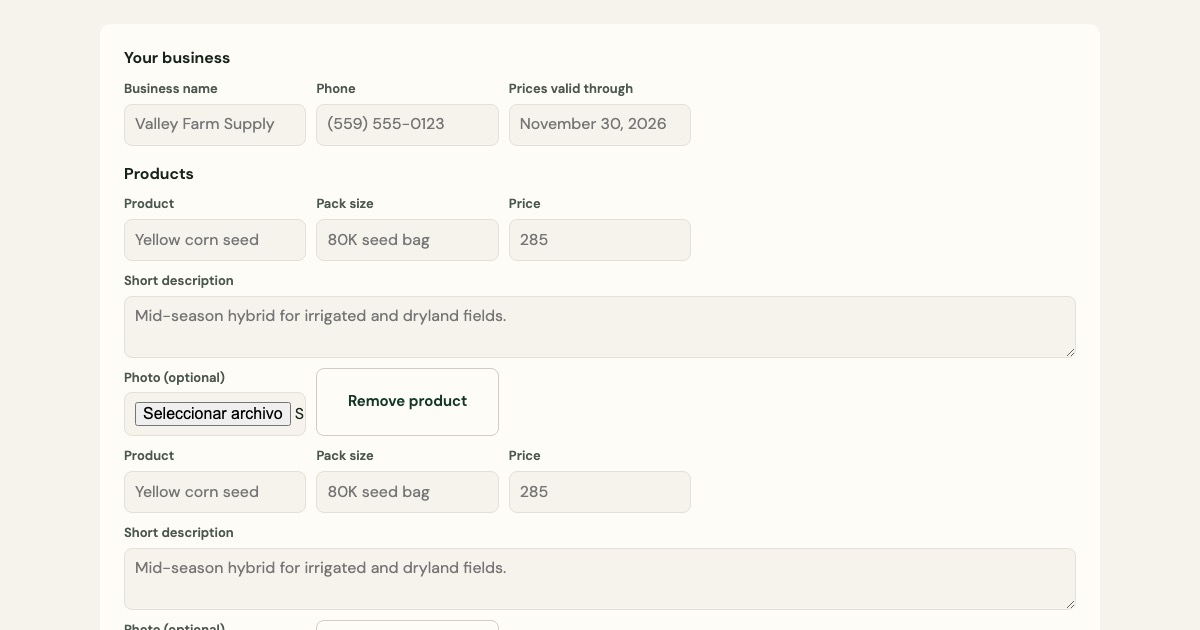
What a catalog item needs
| Field | Required | Farm store example |
|---|---|---|
| Title | Yes, unique | Yellow corn seed, 80K bag |
| Image | Yes, at least one (up to 10) | Photo of the bag with the label visible |
| Country of origin | Yes | United States |
| Price | No, and only in some countries | $285.00 |
| Sale price | No | $270.00 for early orders |
| Description | No | Mid-season hybrid for irrigated and dryland fields |
| Website link | No | Link to your full price list |
| Product code | No | SEED-01 |
Required fields from the WhatsApp Help Center, read on November 13, 2026. Example values for illustration.
How to set up a WhatsApp catalog
You need the WhatsApp Business app. The regular WhatsApp app has no catalog.
- Open WhatsApp Business and open Catalog from the menu.
- Tap Add new item.
- Add up to 10 images of the product.
- Write the product name.
- Pick the country of origin and save it.
- Add price, description, link and code if you want them.
- Tap Add to catalog.
- Wait for the review: items show to customers only after WhatsApp approves them.
Menu names can differ a little between phones and computers. The order of the steps stays the same.
Edit, hide or delete an item
| Task | How |
|---|---|
| Edit | Open the item, tap Edit, change it and save |
| Hide | Open the item, tap Edit, turn on Hide item and save |
| Show again | Turn off Hide item and save |
| Delete | Open the item, tap Edit, scroll down and tap Delete item |
Hide seasonal items instead of deleting them. Next season you only unhide them and update the price.
How customers find and use your catalog
- They open your business profile and tap the catalog.
- They tap the shopping button next to your name in the chat.
- They add items to a cart and change quantities.
- They send the cart to you as a WhatsApp message.
- They can share your catalog with friends.
The cart arrives as an order message. You still confirm stock, price and delivery with the customer.
How to share your catalog or one item
- Open Catalog.
- Pick the item, or stay on the full catalog.
- Open the item menu.
- Choose Send product to send it in a chat, or Copy link.
- Paste the link in a text, an email or a social post.
The link is created by WhatsApp and cannot be customized. Collections cannot be shared as their own link.
Why a WhatsApp catalog is not showing
| Cause | What to do |
|---|---|
| The item is still in review | Wait for approval |
| The item was rejected (red mark) | Check the commerce policy and request another review |
| The item is hidden | Turn off Hide item |
| You use regular WhatsApp | Move the number to WhatsApp Business |
Example: a catalog for a farm store
Group items in collections the way growers ask for them.
| Collection | Items |
|---|---|
| Seed | Yellow corn seed 80K, soybean seed 140K, alfalfa seed 50 lb |
| Fertilizer | Urea 46-0-0 50 lb, 10-10-10 50 lb, ammonium sulfate 50 lb |
| Crop protection | Herbicide 2.5 gal, insecticide 1 gal, fungicide 1 gal |
| Produce | Tomatoes 25 lb box, jalapeno peppers 10 lb box, onions 50 lb sack |
Example items for illustration.
Messages to send your catalog
New customer
Hi, thanks for writing to Valley Farm Supply. Here is our catalog with this week prices: [catalog link]
Seasonal
Spring seed is in. You can see every hybrid and price in our catalog: [catalog link]
One product
Here is the urea you asked about, with photo and price: [item link]. How many bags do you need?
Limits of the WhatsApp catalog
- Prices show only in some countries.
- Each item waits for a review before customers see it.
- There is no price by volume or by payment terms.
- The cart does not create a quote with taxes and freight.
For a printable version of the same list, use the product catalog template. For prices by season, use the price list template.
Agroqs keeps your catalog and price list in one place. It sends PDF quotes by WhatsApp with volume prices and freight.
Try Agroqs freeFrequently asked questions
How to find WhatsApp catalog?
It depends on whether you sell or buy. Sellers open Catalog from the menu of WhatsApp Business. Buyers open the business profile or tap the shopping button in the chat.
What does "catalog" mean on WhatsApp?
It depends on the app, because only WhatsApp Business has one. There it means a list of products or services with photos, shown on the business profile.
How to set up a WhatsApp catalogue?
It depends on having WhatsApp Business first. Then open Catalog and add an item with a title, an image and its country of origin. Save it and wait for the review.
Why is WhatsApp catalogue not showing?
It depends on the item status. Items show only after WhatsApp approves them, so check for items in review, rejected or hidden.
Sources
- WhatsApp Help Center, «About catalog». Reviewed in November 2026.
- WhatsApp Help Center, «How to create and maintain a catalog». Reviewed in November 2026.
- WhatsApp Help Center, «Sharing catalog links». Reviewed in November 2026.
- WhatsApp Help Center, «About Cart». Reviewed in November 2026.
Updated November 13, 2026